Sri Krishna Event Makers - Designing a Lead-Driven Event Management Platform
Sri Krishna Event Makers - Designing a Lead-Driven Event Management Platform
My Role: Product Designer (UI/UX)
Duration: ~6 weeks
Medium: Responsive Web + Admin Dashboard
Tools Used: Figma, Miro, Google Analytics
My Role: Product Designer (UI/UX)
Duration: ~6 weeks
Medium: Responsive Web + Admin Dashboard
Tools Used: Figma, Miro, Google Analytics
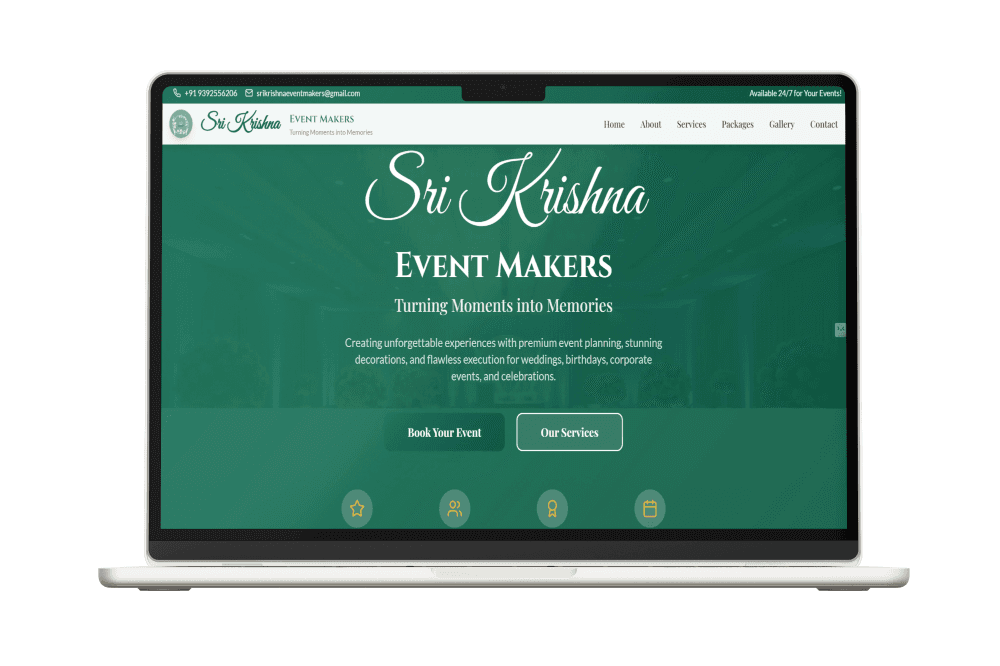
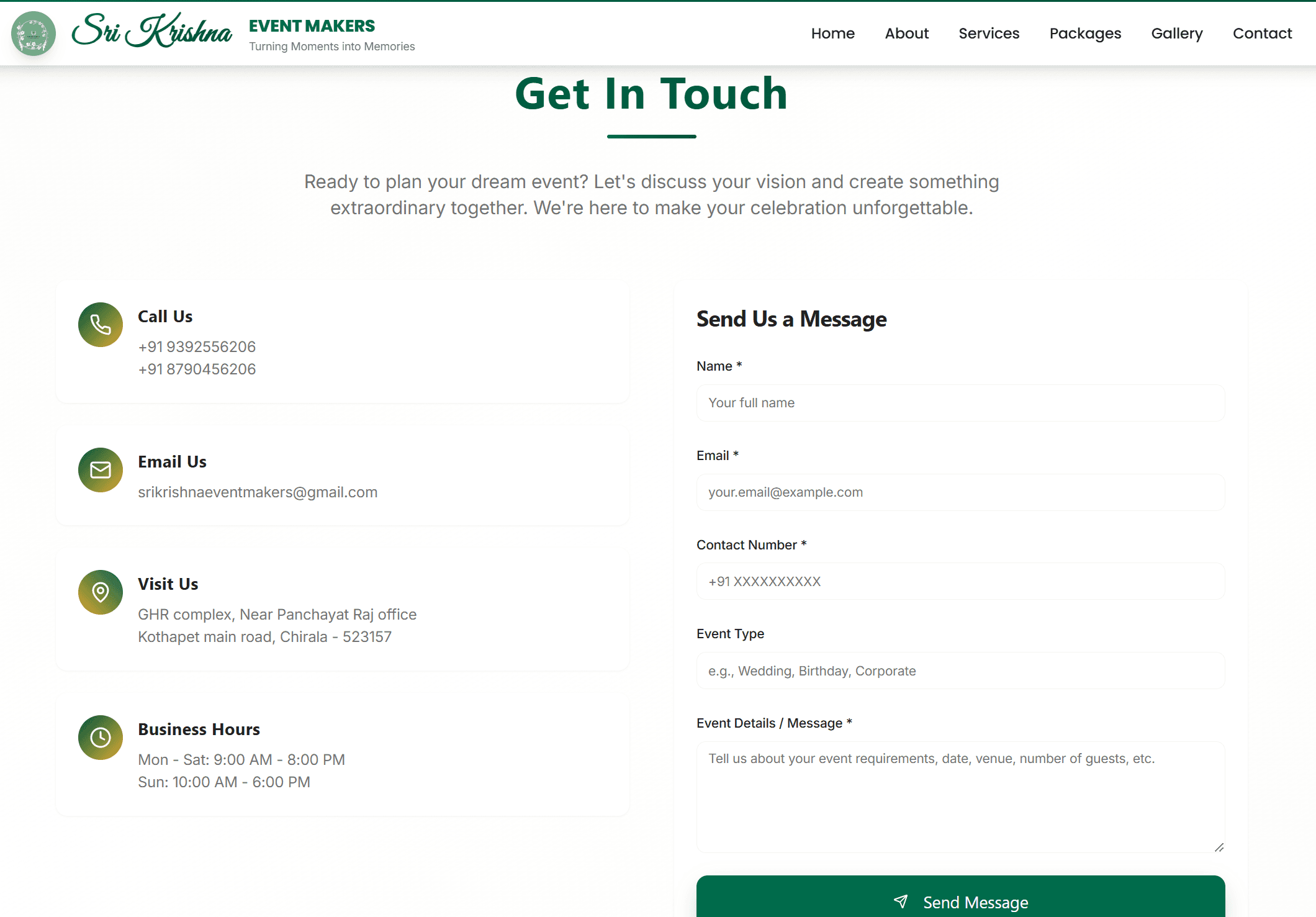
Sri Krishna Event Makers is a service-based event management business specializing in weddings, cultural events, and corporate functions. I designed and built the entire platform from the ground up, including a customer-facing website and an internal admin dashboard to manage inquiries.
The focus was not just on visual appeal, but on helping the business convert visitors into qualified leads and manage them efficiently.
Sri Krishna Event Makers is a service-based event management business specializing in weddings, cultural events, and corporate functions. I designed and built the entire platform from the ground up, including a customer-facing website and an internal admin dashboard to manage inquiries.
The focus was not just on visual appeal, but on helping the business convert visitors into qualified leads and manage them efficiently.
The business relied heavily on phone calls and messages to capture leads, which led to:
· Missed or forgotten inquiries
· No centralized record of customer details
· Difficulty tracking event requests and follow-ups
From a customer perspective, there was no simple way to understand services or request a quote online.
The business relied heavily on phone calls and messages to capture leads, which led to:
· Missed or forgotten inquiries
· No centralized record of customer details
· Difficulty tracking event requests and follow-ups
From a customer perspective, there was no simple way to understand services or request a quote online.
Understanding the People Involved
Understanding the People Involved
Visitors
· Couples and families planning events
· Corporate clients exploring vendors
· First-time users who want clarity and reassurance
Internal Users (Admins)
· Event managers handling multiple inquiries
· Business owners tracking demand and leads
Key expectations identified:
· Clear service visibility
· A short, easy inquiry process
· Quick access to customer data on the admin side
Visitors
· Couples and families planning events
· Corporate clients exploring vendors
· First-time users who want clarity and reassurance
Internal Users (Admins)
· Event managers handling multiple inquiries
· Business owners tracking demand and leads
Key expectations identified:
· Clear service visibility
· A short, easy inquiry process
· Quick access to customer data on the admin side
This was a true 0 → 1 build, and I owned the full lifecycle:
· Defined product goals and success metrics
· Structured site content and service hierarchy
· Designed end-to-end user journeys
· Created wireframes and high-fidelity UI
· Built the live website and admin dashboard
· Validated decisions using analytics and feedback
This was a true 0 → 1 build, and I owned the full lifecycle:
· Defined product goals and success metrics
· Structured site content and service hierarchy
· Designed end-to-end user journeys
· Created wireframes and high-fidelity UI
· Built the live website and admin dashboard
· Validated decisions using analytics and feedback
Before designing, I explored:
· Websites of local and regional event planners
· How users typically search and contact vendors
· What information businesses actually need when a customer submits a form
Key Observations
· Users rarely read long descriptions visuals and headings matter more
· Forms with too many fields cause drop-offs
· Admins value organized data, not fancy dashboards
These insights shaped both the front-end experience and the admin workflows.
Before designing, I explored:
· Websites of local and regional event planners
· How users typically search and contact vendors
· What information businesses actually need when a customer submits a form
Key Observations
· Users rarely read long descriptions visuals and headings matter more
· Forms with too many fields cause drop-offs
· Admins value organized data, not fancy dashboards
These insights shaped both the front-end experience and the admin workflows.
Instead of over-engineering the product, I focused on:
· Visibility: Services and event types should be instantly recognizable
· Confidence: Visual storytelling through real event imagery
· Simplicity: One clear action — submit an inquiry
For the admin side, the priority was speed and clarity, not aesthetics.
Instead of over-engineering the product, I focused on:
· Visibility: Services and event types should be instantly recognizable
· Confidence: Visual storytelling through real event imagery
· Simplicity: One clear action — submit an inquiry
For the admin side, the priority was speed and clarity, not aesthetics.
Design Constraints & How I Addressed Them
Design Constraints & How I Addressed Them
1. Communicating multiple services without clutter
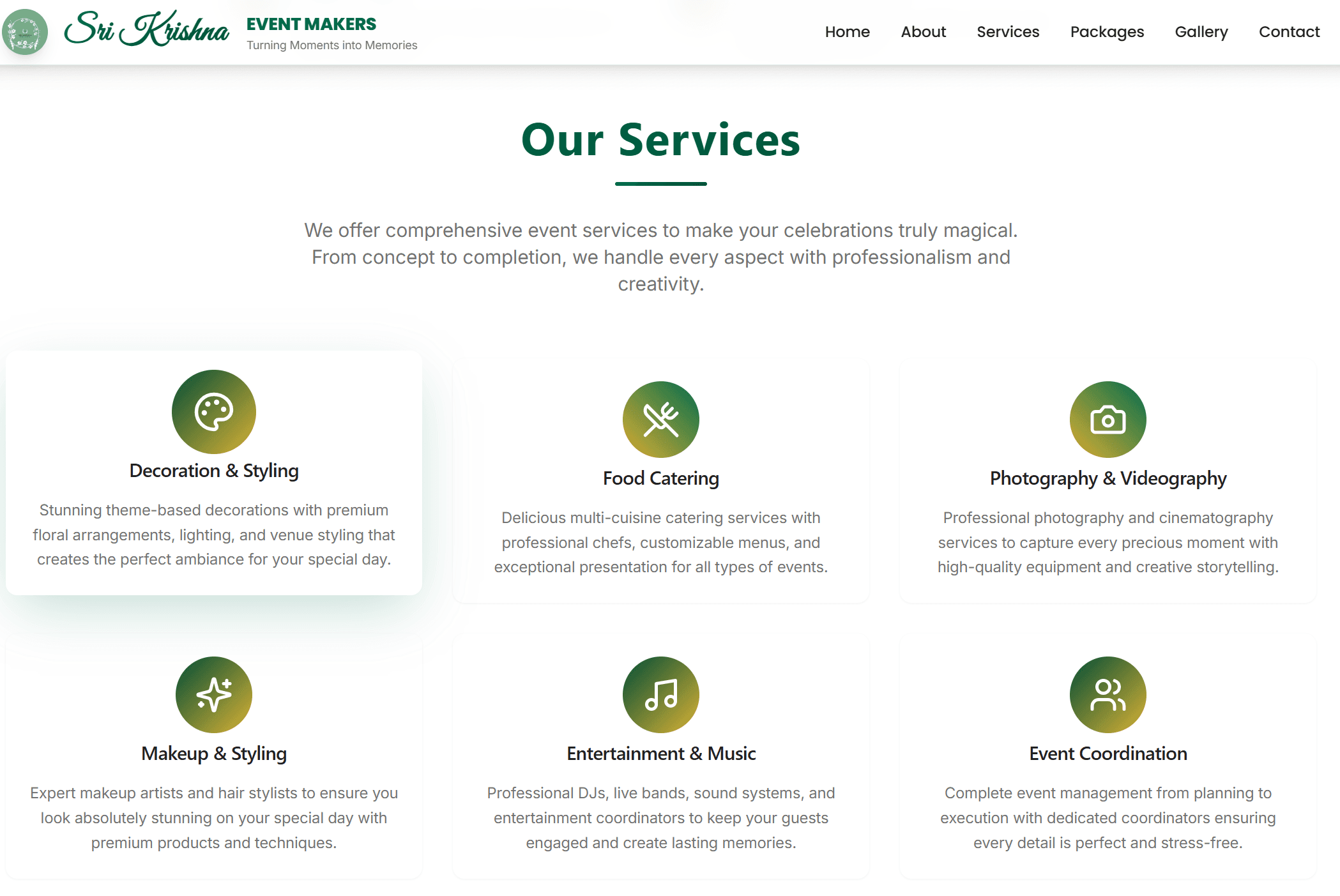
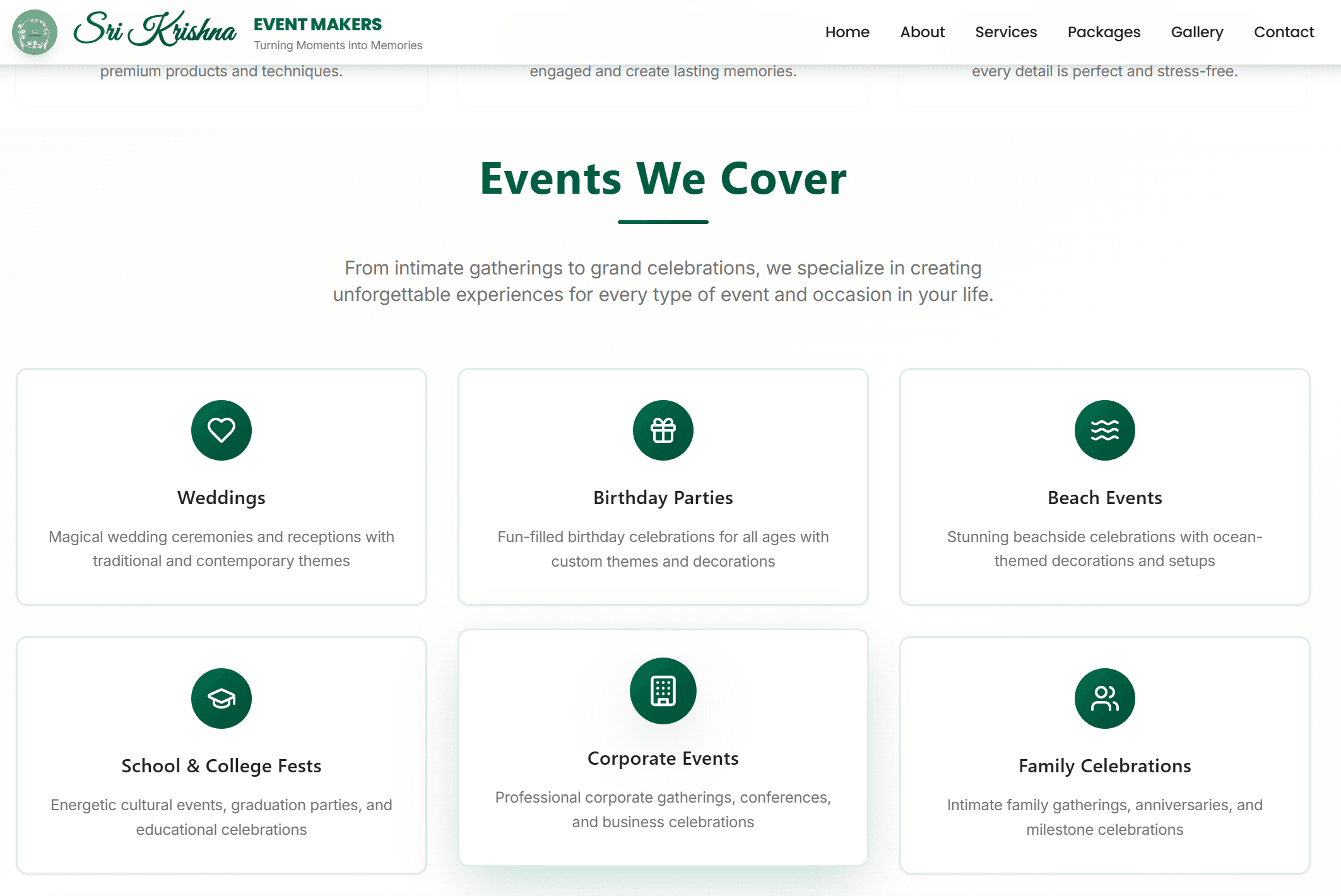
Approach: Grouped services by event type with supporting imagery and concise copy.
2. Avoiding form fatigue
Approach: Designed a short, purposeful inquiry form collecting only essential details.
3. Making admin data usable
Approach: Built a clean dashboard listing all submissions with customer info, timestamps, and filtering.
1. Communicating multiple services without clutter
Approach: Grouped services by event type with supporting imagery and concise copy.
2. Avoiding form fatigue
Approach: Designed a short, purposeful inquiry form collecting only essential details.
3. Making admin data usable
Approach: Built a clean dashboard listing all submissions with customer info, timestamps, and filtering.
Customer Journey
· Land on homepage
· Scan services and gallery
· Submit inquiry form
· Receive confirmation and follow-up
Admin Workflow
· Login to dashboard
· View all inquiries in one table
· Review customer details
· Track and manage follow-ups
This structure reduced back-and-forth communication and improved response time.
What Was Built
· Responsive marketing website
· Service and gallery sections
· Lead capture form
· Admin dashboard displaying customer submissions
· Mobile-optimized layouts
Everything was built to be easy to maintain by non-technical users.
Customer Journey
· Land on homepage
· Scan services and gallery
· Submit inquiry form
· Receive confirmation and follow-up
Admin Workflow
· Login to dashboard
· View all inquiries in one table
· Review customer details
· Track and manage follow-ups
This structure reduced back-and-forth communication and improved response time.
What Was Built
· Responsive marketing website
· Service and gallery sections
· Lead capture form
· Admin dashboard displaying customer submissions
· Mobile-optimized layouts
Everything was built to be easy to maintain by non-technical users.
If I Continued This Project
If I Continued This Project
· Add automated email confirmations
· Introduce inquiry status tracking
· Enable basic analytics inside the admin panel
· Add automated email confirmations
· Introduce inquiry status tracking
· Enable basic analytics inside the admin panel
Why This Case Study Matters
Why This Case Study Matters
This project shows my ability to design beyond screens — thinking about business workflows, operational efficiency, and real-world usage. It reflects how I approach product design in practical, outcome-driven environments
This project shows my ability to design beyond screens — thinking about business workflows, operational efficiency, and real-world usage. It reflects how I approach product design in practical, outcome-driven environments